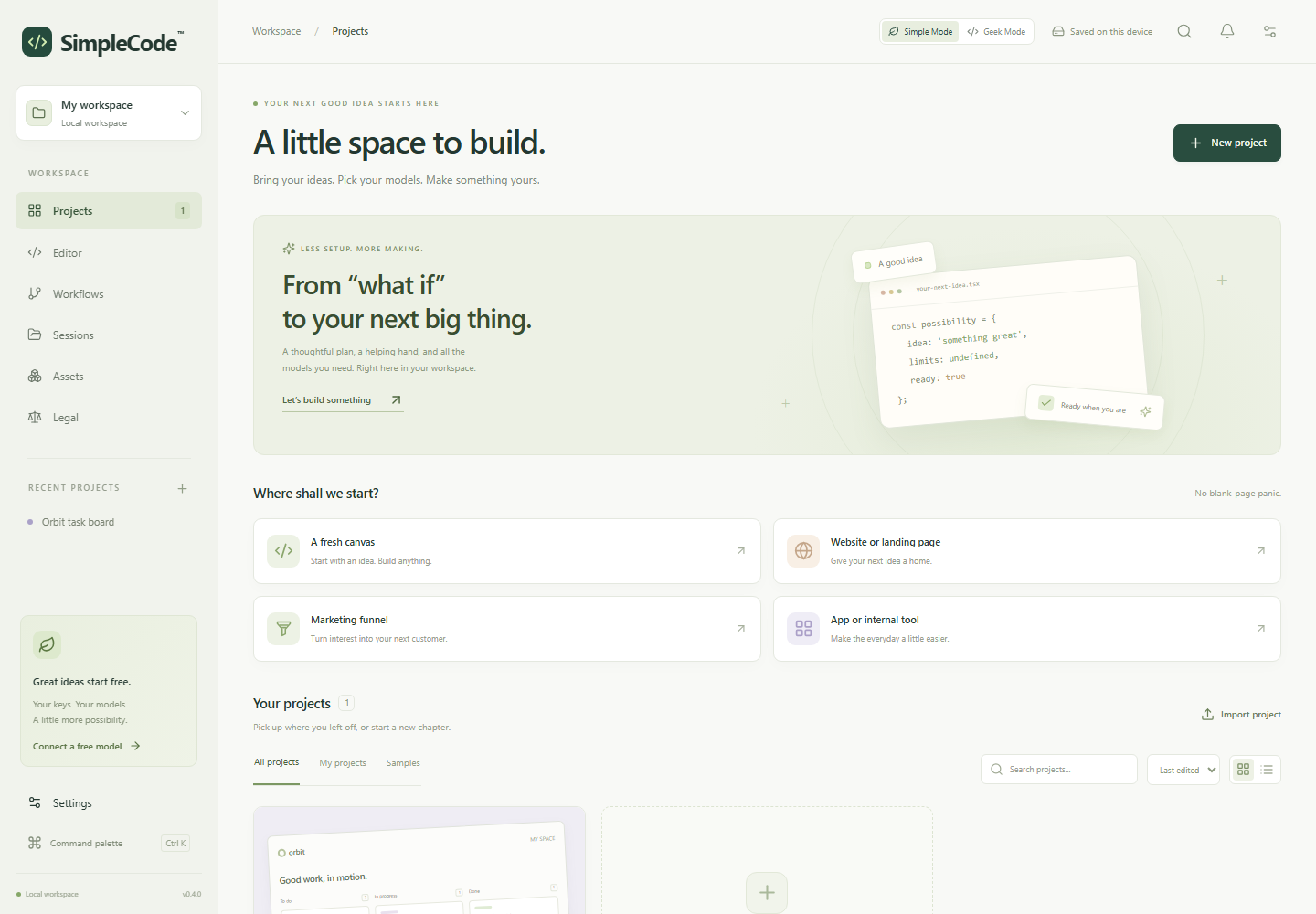
A fresh canvas
Start with an idea. Make it your own.
Meet SimpleCode™. A calm coding workspace that helps you turn an idea into a clear plan, working code, and a live preview.
Your API key. Or a model running on your own computer.
const possibility = {
  idea: 'something good',
  firstStep: 'start small',
  yours: true
};Start with an idea. Make it your own.
Give your next idea a home.
Connect your pages and calls to action.
Make the everyday a little easier.
Keep things calm and guided in Simple Mode. Switch to Geek Mode when you want code, files, and your assistant side by side. Your projects come with you.
If you’re used to Claude Code, you might feel more at home in Geek Mode.
A soft Sage palette, a clear starting point, and a little room to think.
Same projects. Your preferred view.Start with what you know.
Shape the rest as you go.
Describe what you want to build. Give it a name, a purpose, and a few useful boundaries.
Review the blueprint with your chosen model. Edit the details, then lock the plan before generating code.
Generate code, review file changes, and try browser-ready projects in an isolated preview. Export when you’re ready.
Illustrative project steps. Framework projects may need a local build after export.
A little control makes a big difference. Choose your helping hand, keep your work on your device, and decide which actions to allow.
Free cloud tiers and local models are supported. Availability, limits, and charges depend on your provider.
Connect Gemini, OpenRouter, OpenAI, Anthropic, or a custom endpoint. Prefer local? Use Ollama or LM Studio.
Keep the plan locked. Approve AI requests and generated file changes once, for the session, or with a remembered project rule.
Projects stay in browser storage. Export your code, download workspace backups, and bring conversations from other tools.
The useful details, without the runaround.
For a cloud provider, yes. You bring your own key and use your provider’s account. You can also connect a model running locally through Ollama or LM Studio. Local server configuration determines whether a key is needed.
Simple Mode uses the fixed Sage design and a guided layout. Geek Mode puts the code editor and assistant side by side, with several color palettes. Both modes use the same projects and files.
Your projects are saved in this browser on this device. Download backups before clearing browser data or moving computers. AI requests send the selected project context to your chosen provider. API keys are kept in memory for the current app session.
Plain HTML, CSS, and JavaScript projects can run in the isolated browser preview. Frameworks and server applications may require exporting the files and running a local build. External requests are blocked inside the preview.
Signed feature packs enable additional modules. The Legal workspace, for example, requires a Legal pack and keeps each matter pinned to one jurisdiction. Feature packs and consumable usage credits serve different purposes.
SimpleCode™ is currently in development. Explore the product preview above.